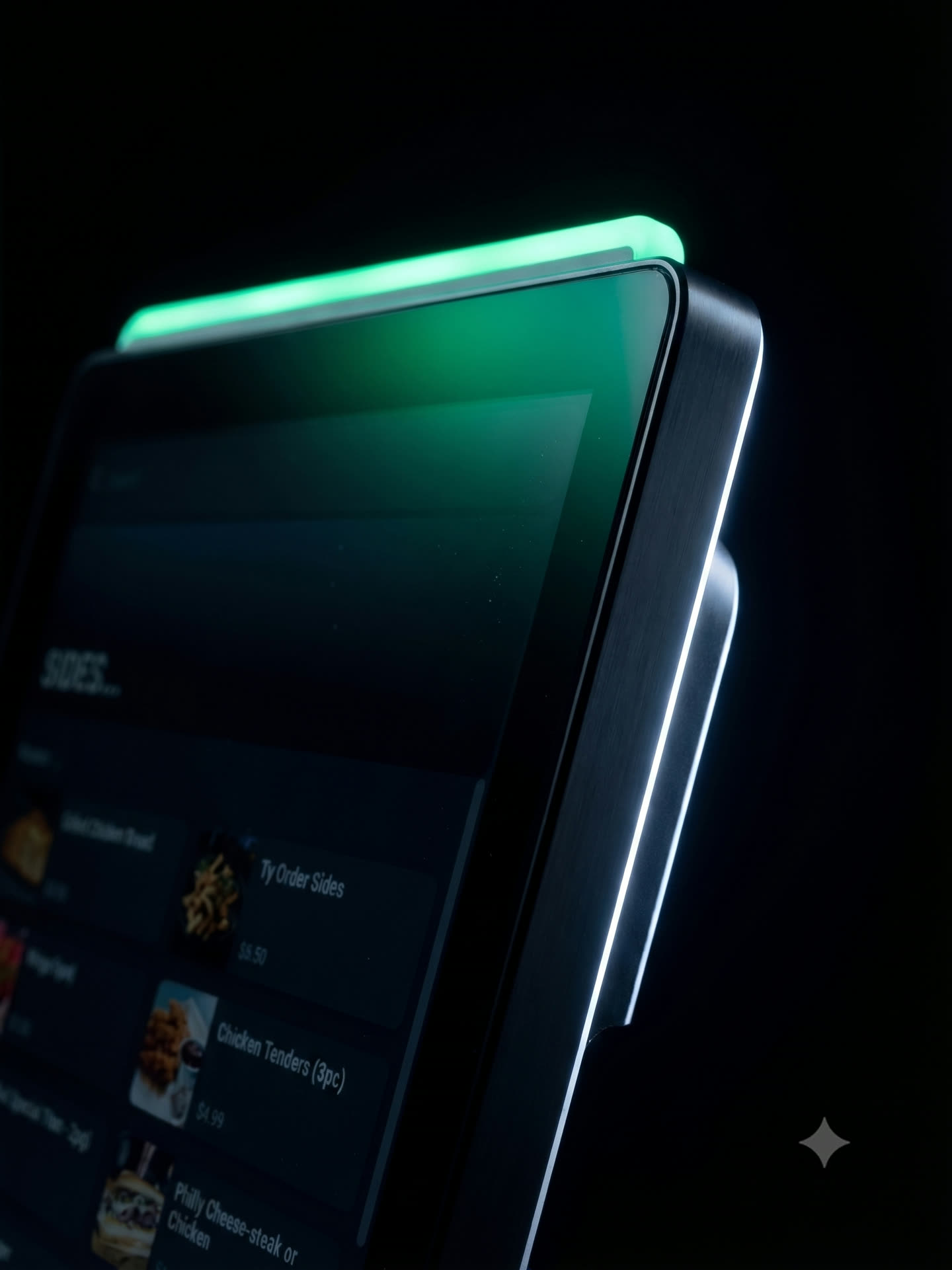
Place. Pay.
Earn.
Loyalty is a rewards program built into Mashgin checkout, with flexible rules, no app required, and member insights across locations.

Three steps.
How Loyalty works.
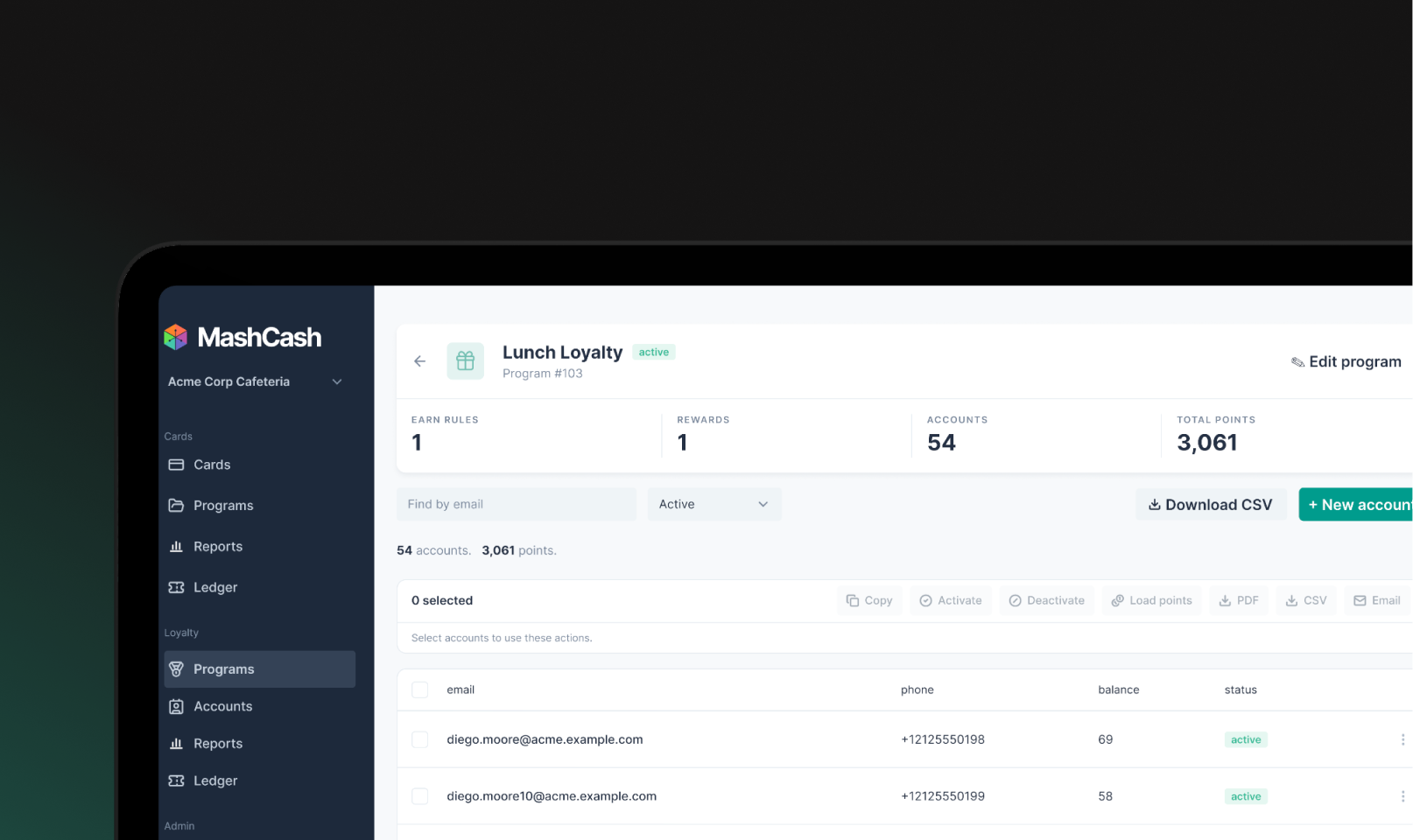
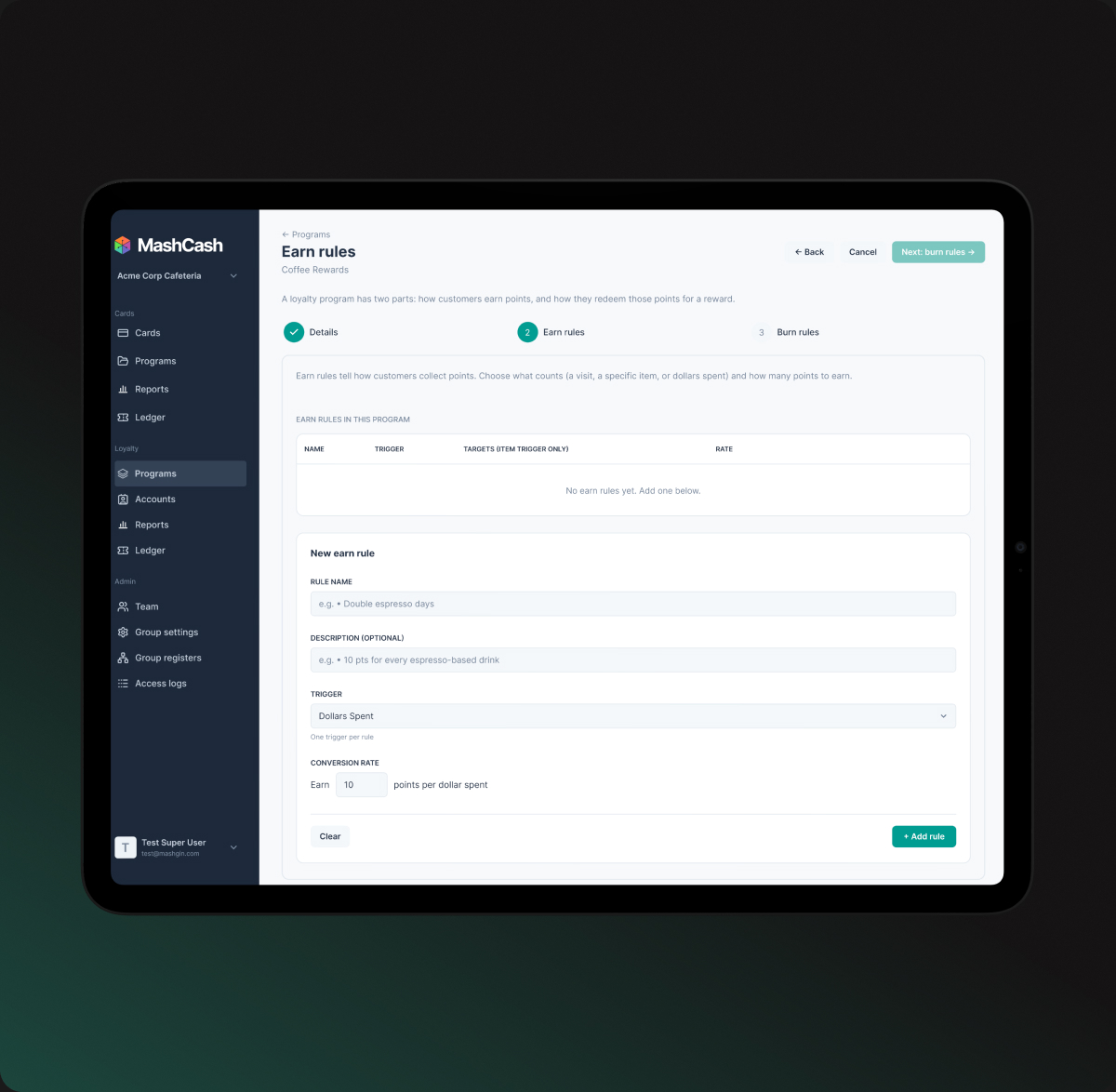
Create your program
Choose how guests earn points and what they earn toward. Reward spending, specific items, or visits.
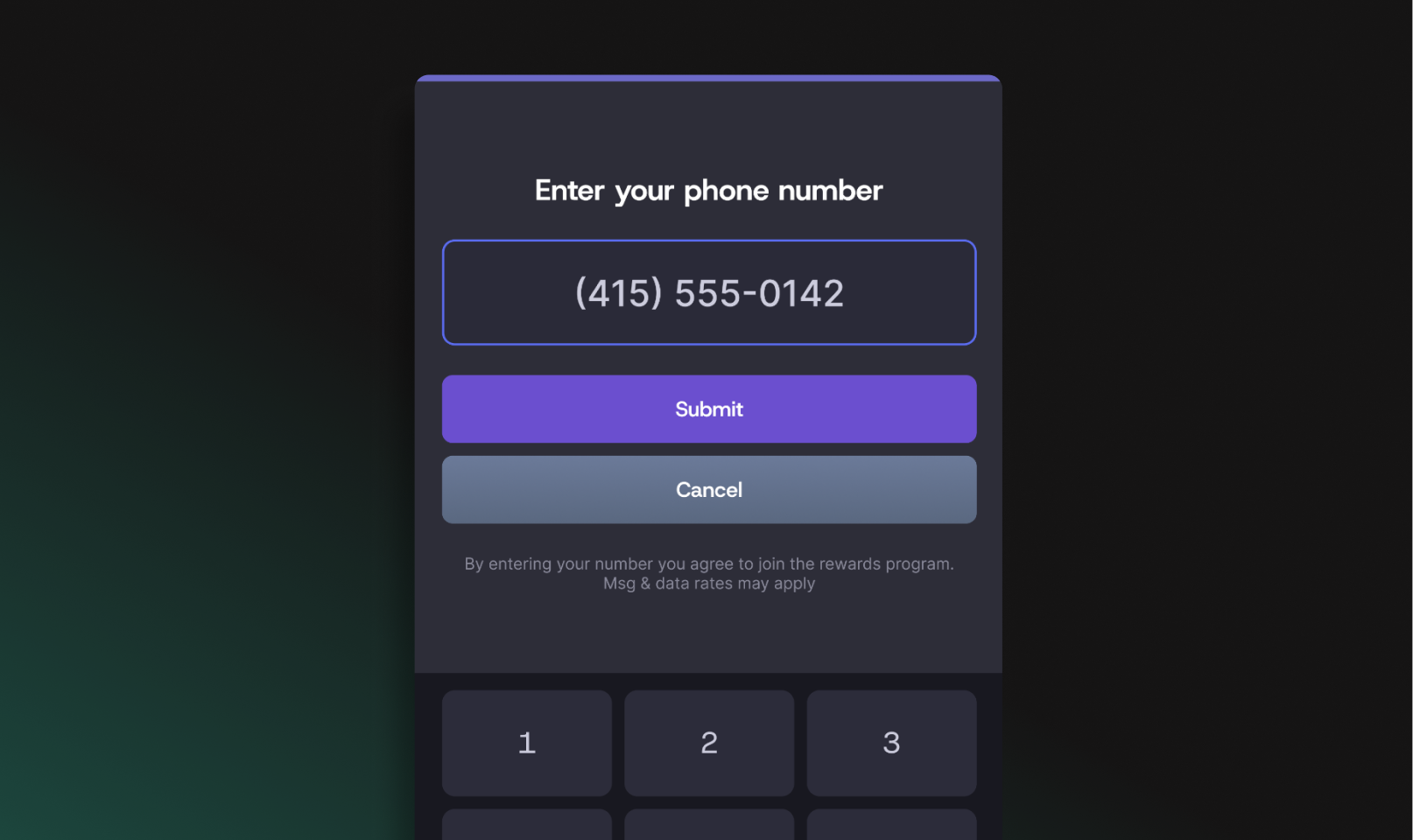
Welcome your members
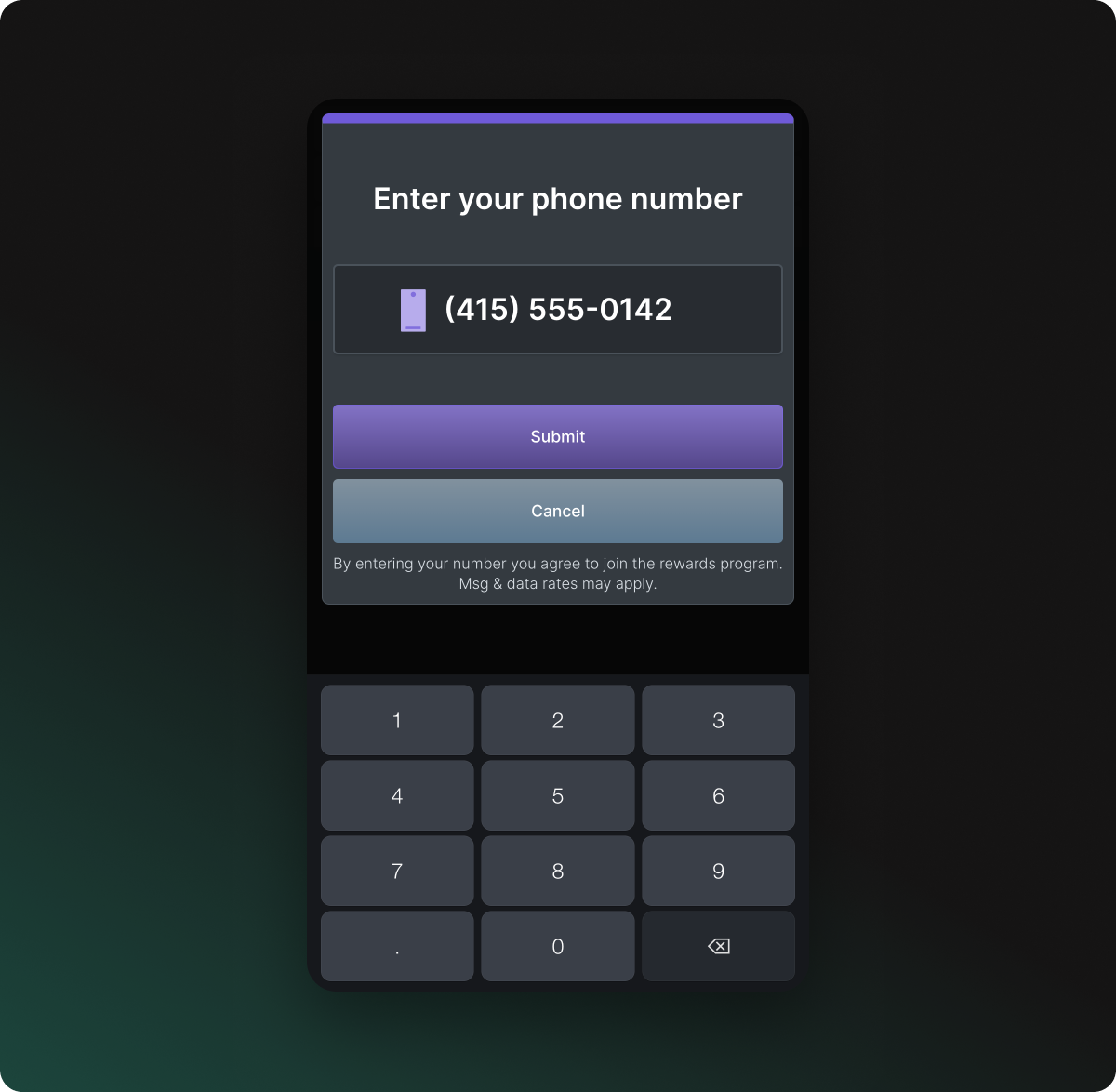
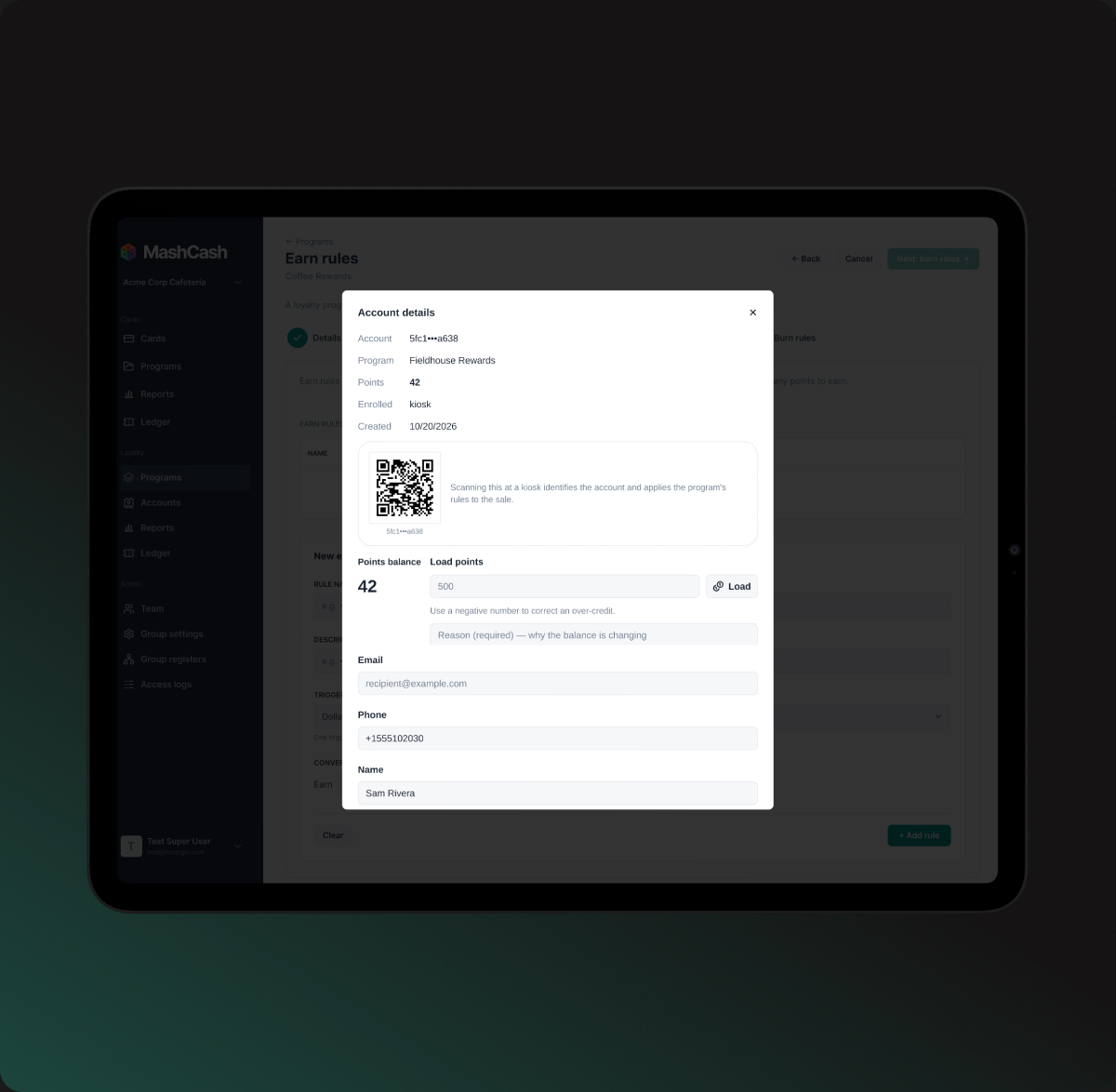
Upload a member list or let guests join at the kiosk with their phone number.
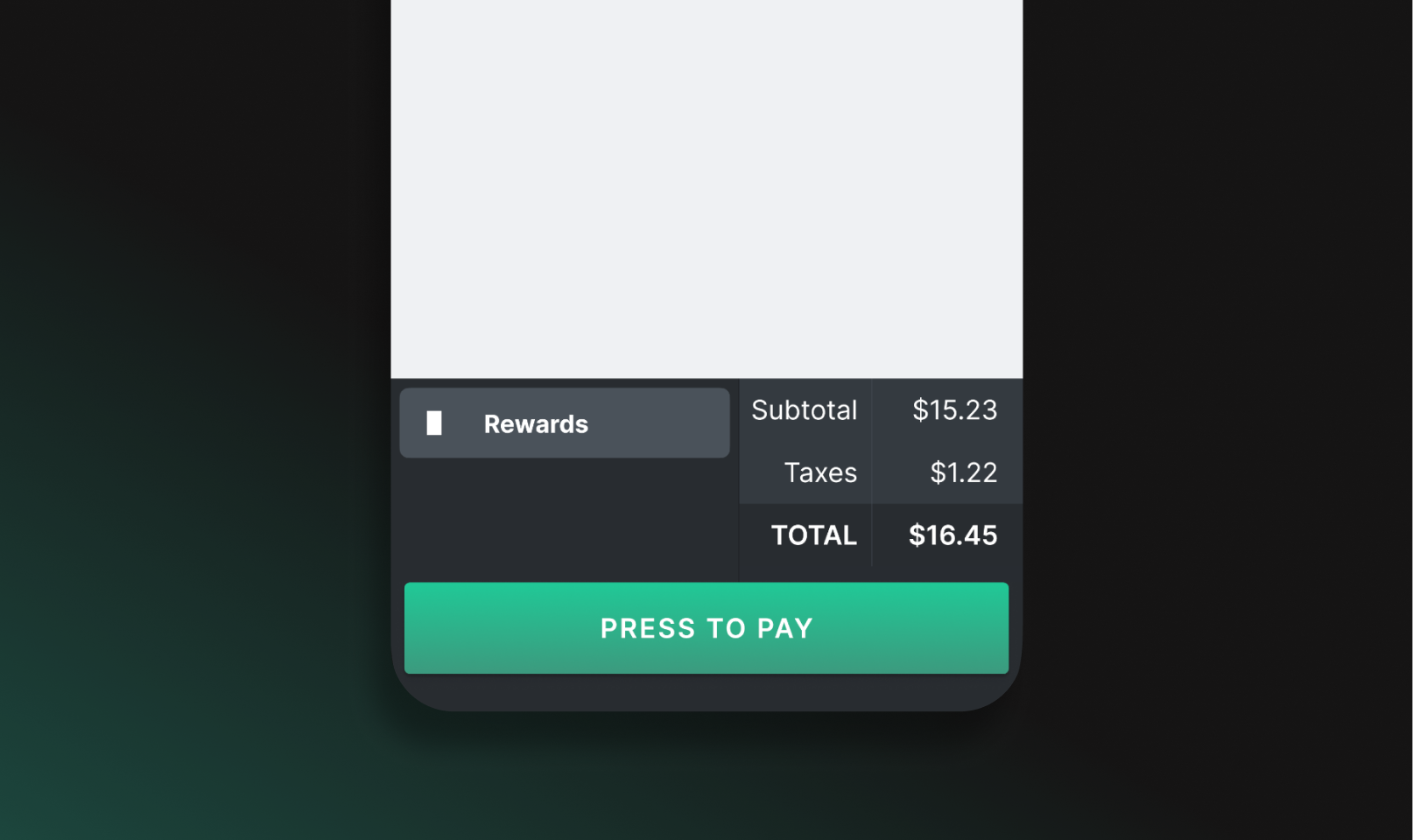
Reward them at checkout
Members enter a phone number or scan a QR code. Once they’ve earned a reward, it applies automatically at checkout.
See how Loyalty makes rewards simple for your members and easy to manage.
You run
the show.
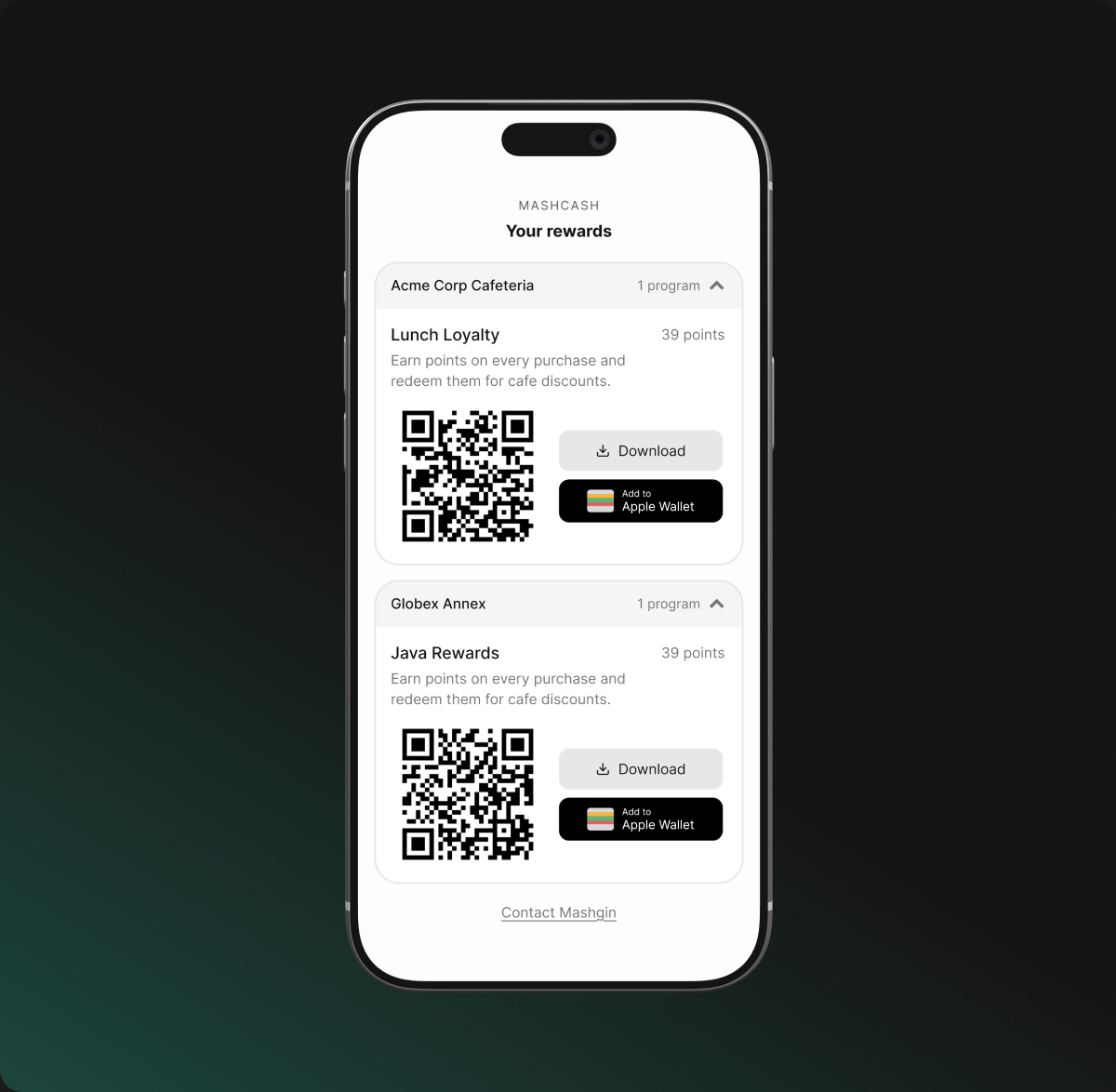
Set it up once, change it whenever, and members never download a thing.
See how your program
is performing.
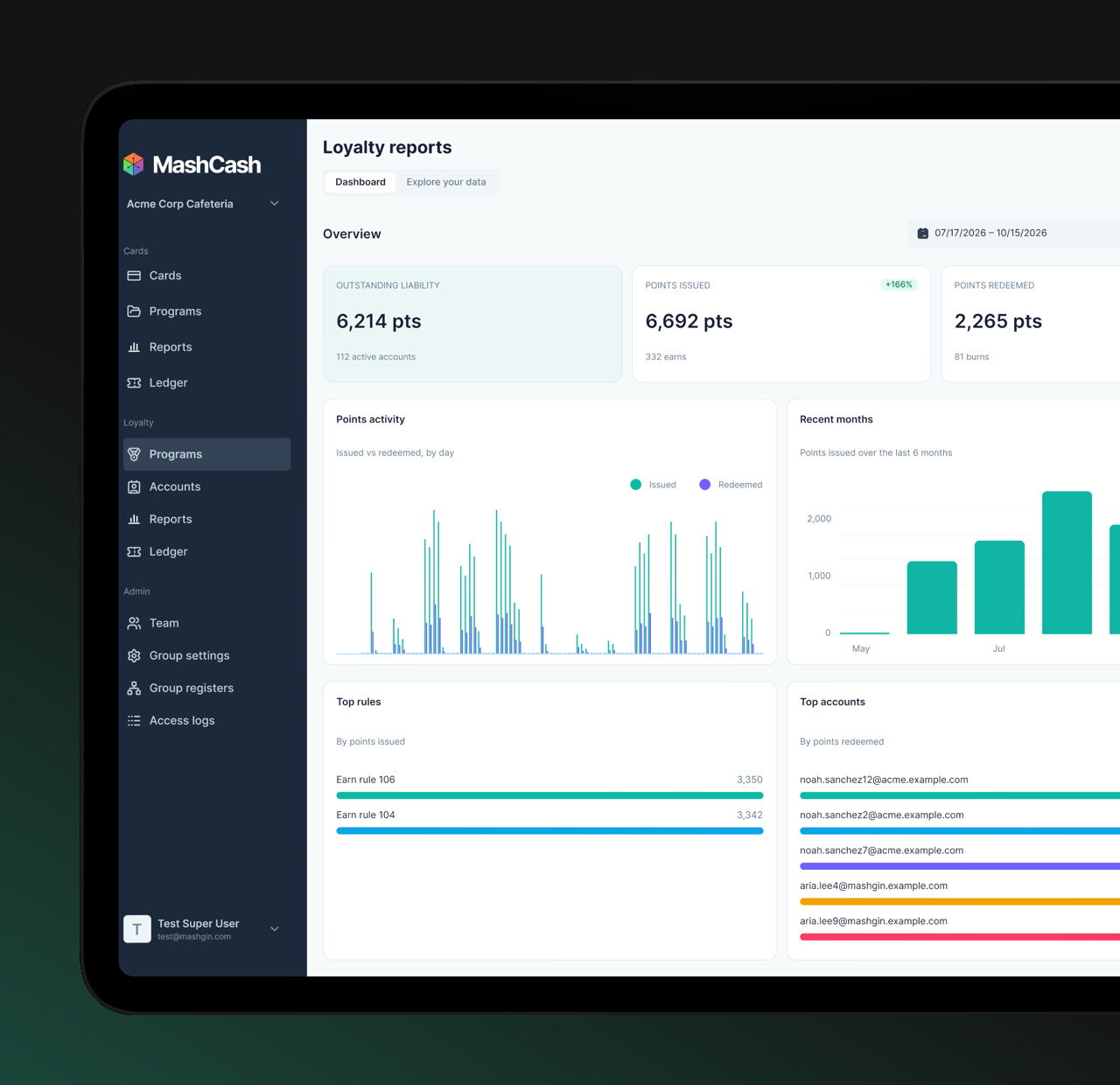
See points earned and redeemed, explore activity across your programs, and get the information you need to make your next move.
Points at a glance
See how many points have been issued, redeemed, and remain outstanding.
Program activity
Explore your top earning rules and members by program or location.
Transparent reporting
Review the Loyalty Ledger with full transaction history and export data when you need it.
Rewards that fit
how you sell.
Go after more visits, bigger orders, or your spotlight menu item.
Dollars spent
Specific items
Visits
Percent off
Dollars off
A set price
Upload a list
Join at the kiosk
Rewards page by link
Apple & Google Wallet
Make on-site
the easy choice.
When guests feel appreciated, they have a reason to come back. You set the rewards and decide exactly what each one costs.
MashCash and Loyalty,
together.
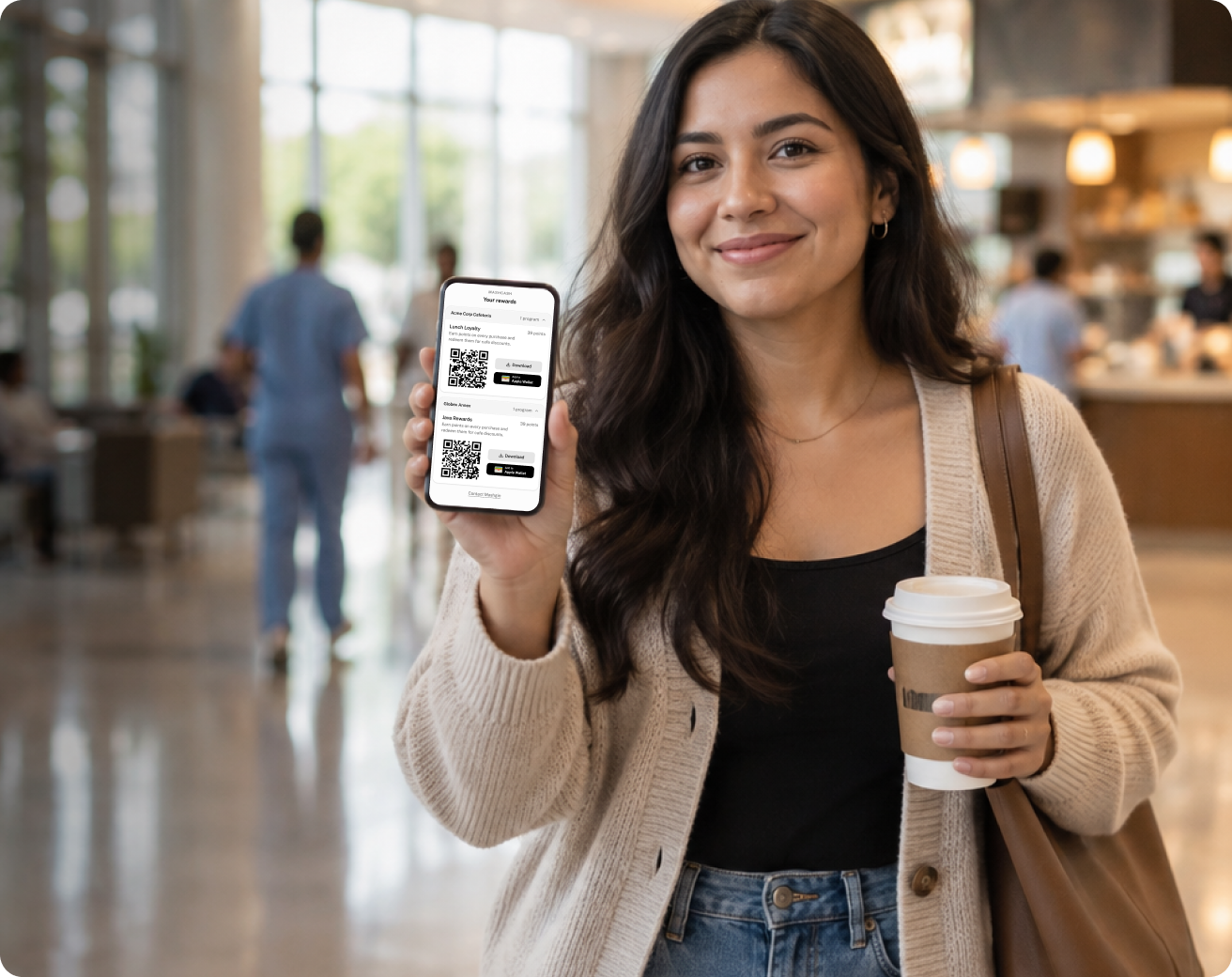
MashCash keeps spending on-site. Loyalty rewards guests for the experience you already deliver, so they keep coming back.
Give people money to spend in your cafeteria.
• Stored value or vouchers (single or multi-use)
• Rules for what it buys and when
• Every purchase in the ledger
+
Give regulars a reason to come back.
• Points-based rewards
• Guests join with a phone number
• Rewards apply at checkout
Your partner,
from day one.
White-glove setup
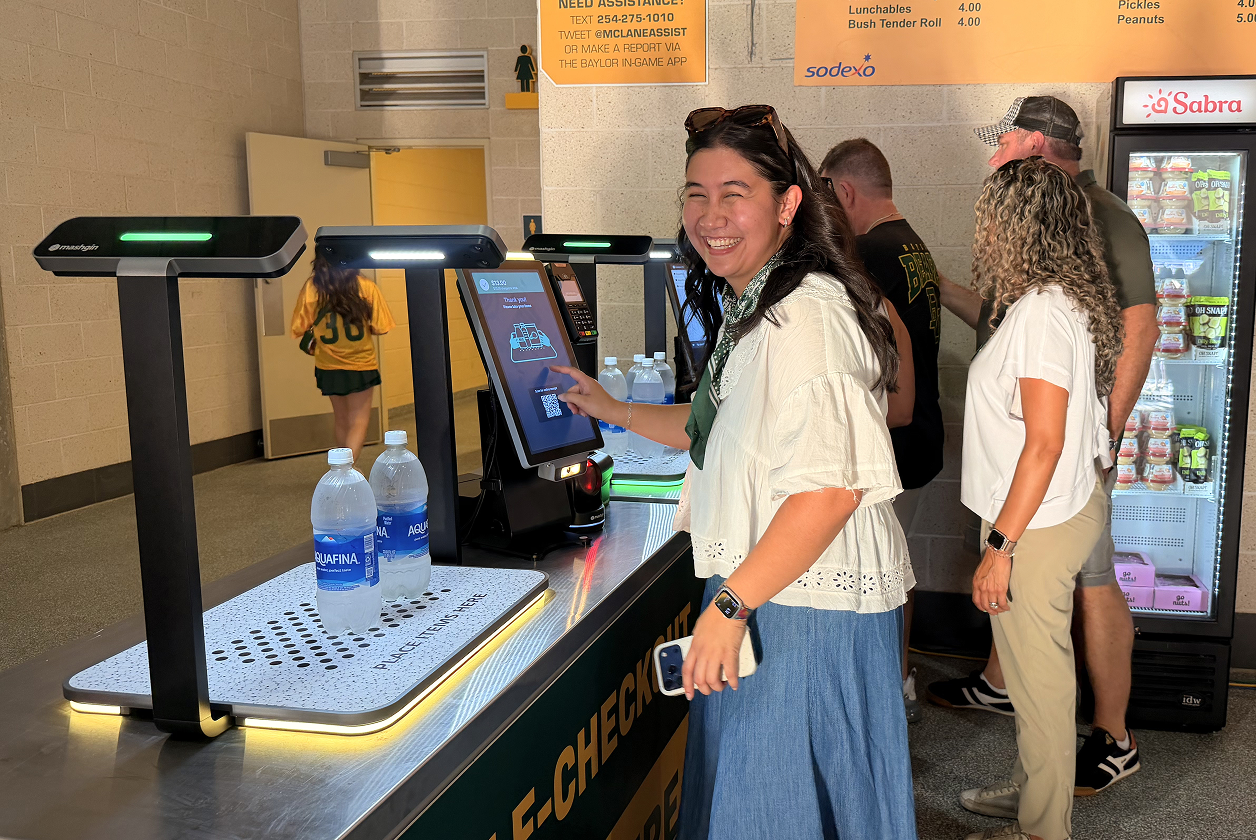
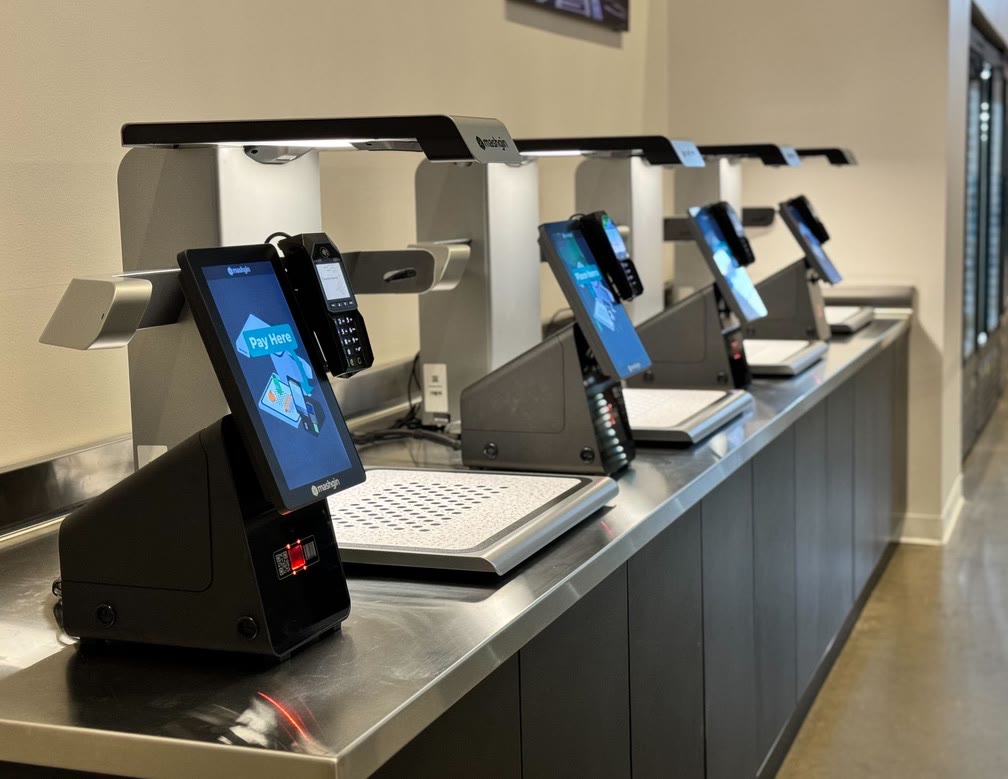
We install your kiosks, train your team, and help you build your first MashCash or Loyalty program.
US-based support
An average response time of 3 minutes. Our support team is based right here in the US and knows your hardware and software inside out.
Full-platform coverage
Kiosks, software, MashCash, and Loyalty all come from Mashgin. When something needs fixing, you know who to call.
Frequently asked
questions.